Skip to content

Forward only missed calls

Your phone rings first, like it does today. If nobody picks up or the line is busy, the call goes to Sara instead of voicemail. You can switch it off from your own phone with one code.

You forward to the number we give you on your setup call. Below are the codes for the carriers most shops use, each with the way back out.

A call at 7:40 PM, with forwarding on

  1. 1A homeowner calls your shop number. Your phone rings as normal.
  2. 2Nobody picks up. Your carrier sends the call on.
  3. 3Sara answers with your business name, takes the details and the day they want.
  4. 4The call lands in your dashboard with a summary and the full transcript.
What changes with conditional forwarding, and what does not.
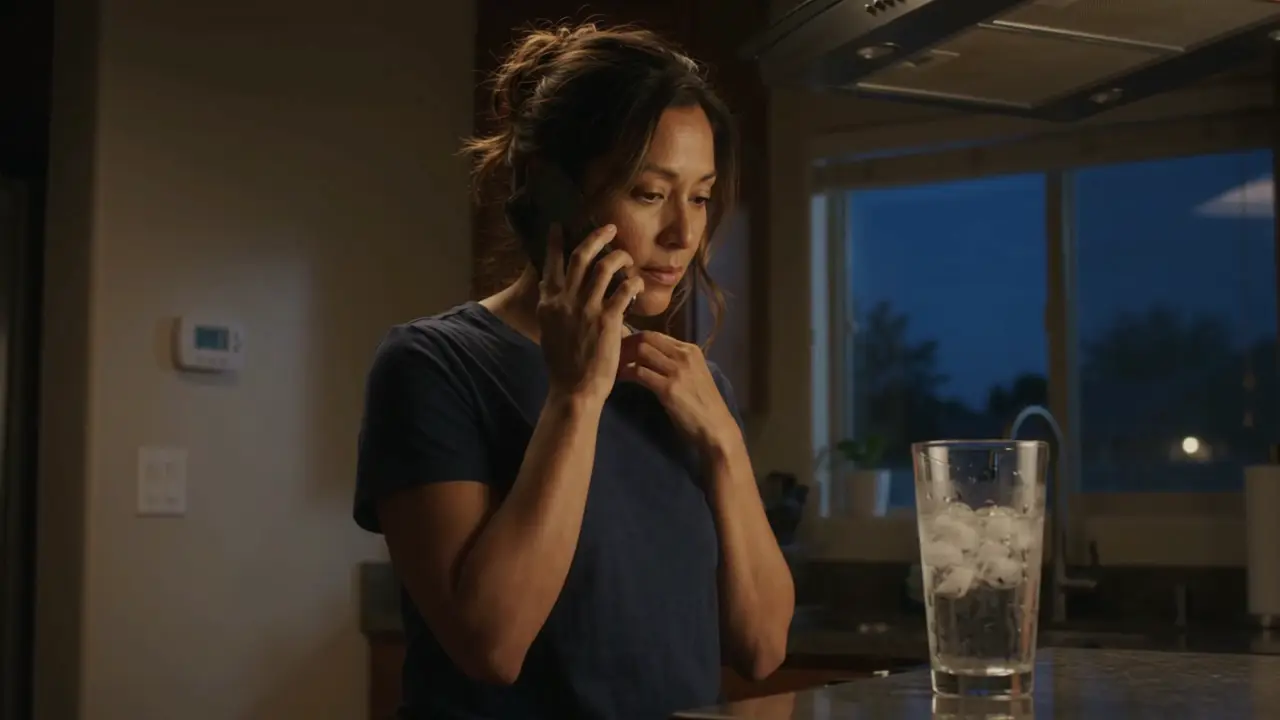
The caller, after hours. With forwarding on, Sara answers instead of voicemail.
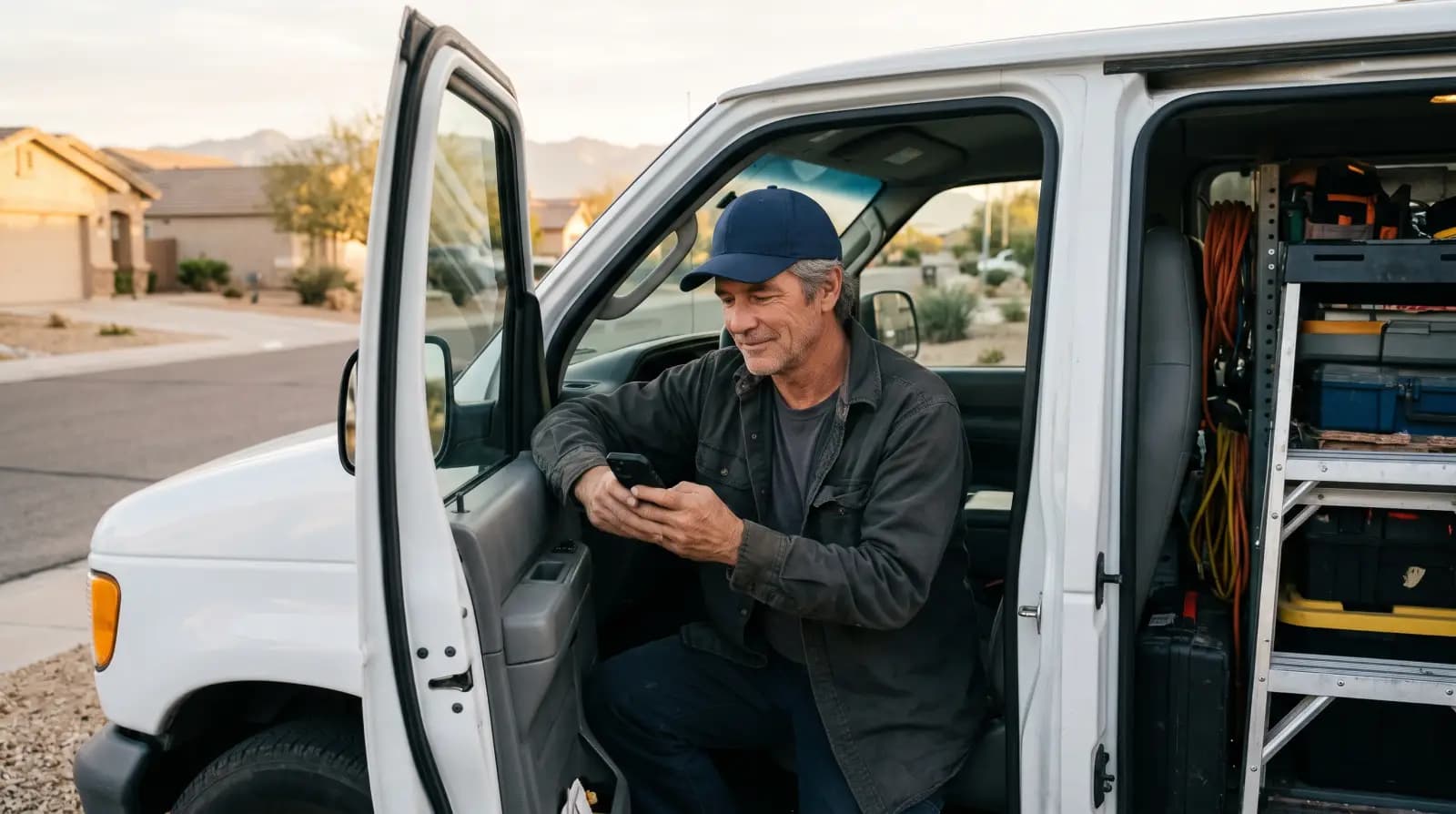
An HVAC business owner reading his phone in a work van.
The shop, reading the call later.
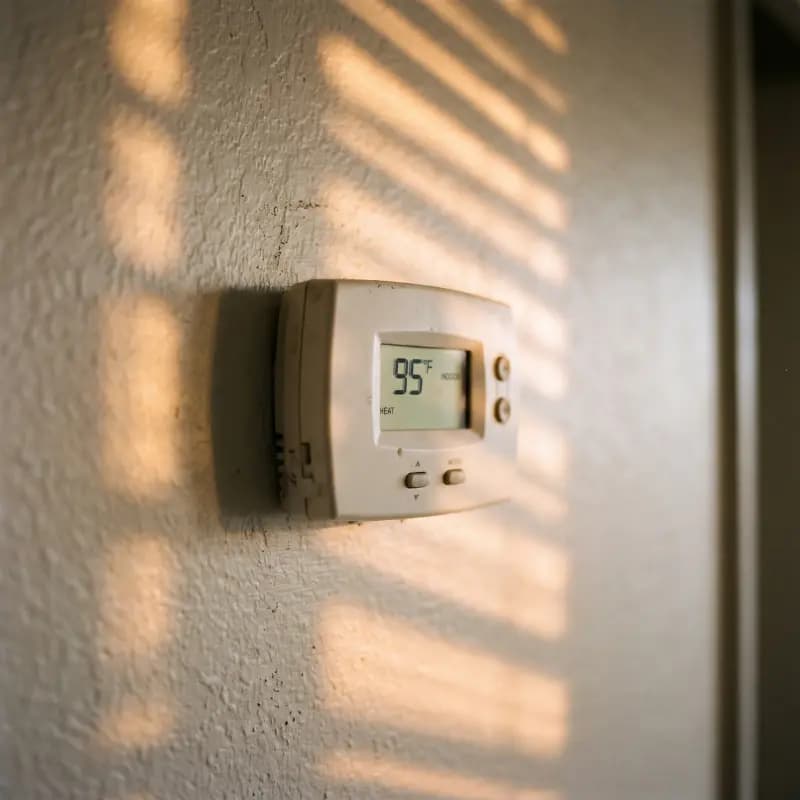
A thermostat reading 95 degrees on a hot afternoon.
Why the call came in.

Codes by carrier

Replace [your Sara number] with the 10-digit number from your setup call. Each row links to the carrier’s own instructions. Checked 20 November 2026; if a code does not work, the carrier’s page is the one to trust.

Verizon, forwarding on

*71 602 555 0199

123456789*0#

Call

A sample number. Use the one from your setup call.

Verizon

Mobile

Turn on

  • *71[your Sara number] then press call

Turn off

  • *73 then press call

Forwards the calls you do not answer. Use all 10 digits, area code included. Verizon bills a forwarded call as if you had answered it.

Verizon call forwarding FAQs

T-Mobile

Mobile

Turn on

  • No answer: **61*1[your Sara number]#
  • Busy: **67*1[your Sara number]#
  • Phone off or no signal: **62*1[your Sara number]#

Turn off

  • ##61# ##67# ##62#
  • Or reset all forwarding: ##004#

Dial each code like a phone number and press call. T-Mobile says these work from the primary line on the account.

T-Mobile self-service short codes

AT&T

Mobile

Turn on

  • Check with AT&T before dialing anything

Turn off

  • Check with AT&T

We could not confirm AT&T’s current wireless codes from AT&T itself. Ask AT&T for “conditional call forwarding, no answer and busy”, or dial 611 from your phone.

AT&T: how to forward calls

Spectrum Business

Office line

Turn on

  • Set it in your Spectrum Business online portal

Turn off

  • Same place, switch it off

Spectrum’s own guides list different codes for different line types, so the portal is the reliable route. Look for “call forward no answer” and “call forward busy”.

Spectrum Business Voice user guide

RingCentral

Office system

Turn on

  • Settings › Call handling › After hours › Forward to external number, then [your Sara number]

Turn off

  • Change the after-hours rule back

Needs a work schedule set first. If your hours are 24/7, the after-hours rule copies your work-hours rule. Some accounts need an admin to change it.

RingCentral: forwarding to an external number

Before you switch it on

Stuck on a carrier we do not list? We will sort it out with you on a call.

Test it, two minutes

  1. 1. From another phone, call your shop number.
  2. 2. Let it ring. Sara answers with your business name.
  3. 3. Turn forwarding off and call again. Your phone goes back to voicemail.

6 questions

Do I have to give Sara my whole phone line?

No. Conditional forwarding sends Sara only the calls you already miss: nobody picks up, the line is busy, or the phone is off. Your phone rings first every time. Most shops start this way and many never change it.

What number do I forward to?

The number we give you on your setup call. It answers as your shop, with your business name. Do not forward to the demo number on our website: that one answers as a made-up shop.

How do I turn it off?

Every row in the table above has the off code next to the on code. Dial it from the same phone and your line goes back to how it was. Nothing on our side has to change.

My carrier is not on the list. What do I ask for?

Call your carrier and ask for "conditional call forwarding" or "call forward no answer and busy" to a 10-digit number. Most office phone systems also have it in their web settings under call handling or forwarding. If you get stuck, email us and we will work it out with you on a call.

Does forwarding cost extra?

That depends on your carrier and plan. Verizon, for example, bills a forwarded call as if you had answered it. Check your plan if you are on limited minutes. Thermoi itself does not charge per minute.

How do I know it worked?

Call your shop number from a different phone and let it ring without answering. Sara should pick up with your business name. Then turn forwarding off and call again to make sure it goes back to normal.